

Pay with your phone, for contactless payment.
Add your LMCU cards to Apple Pay, Google Pay, or Samsung Wallet for faster, more secure payments in more places.
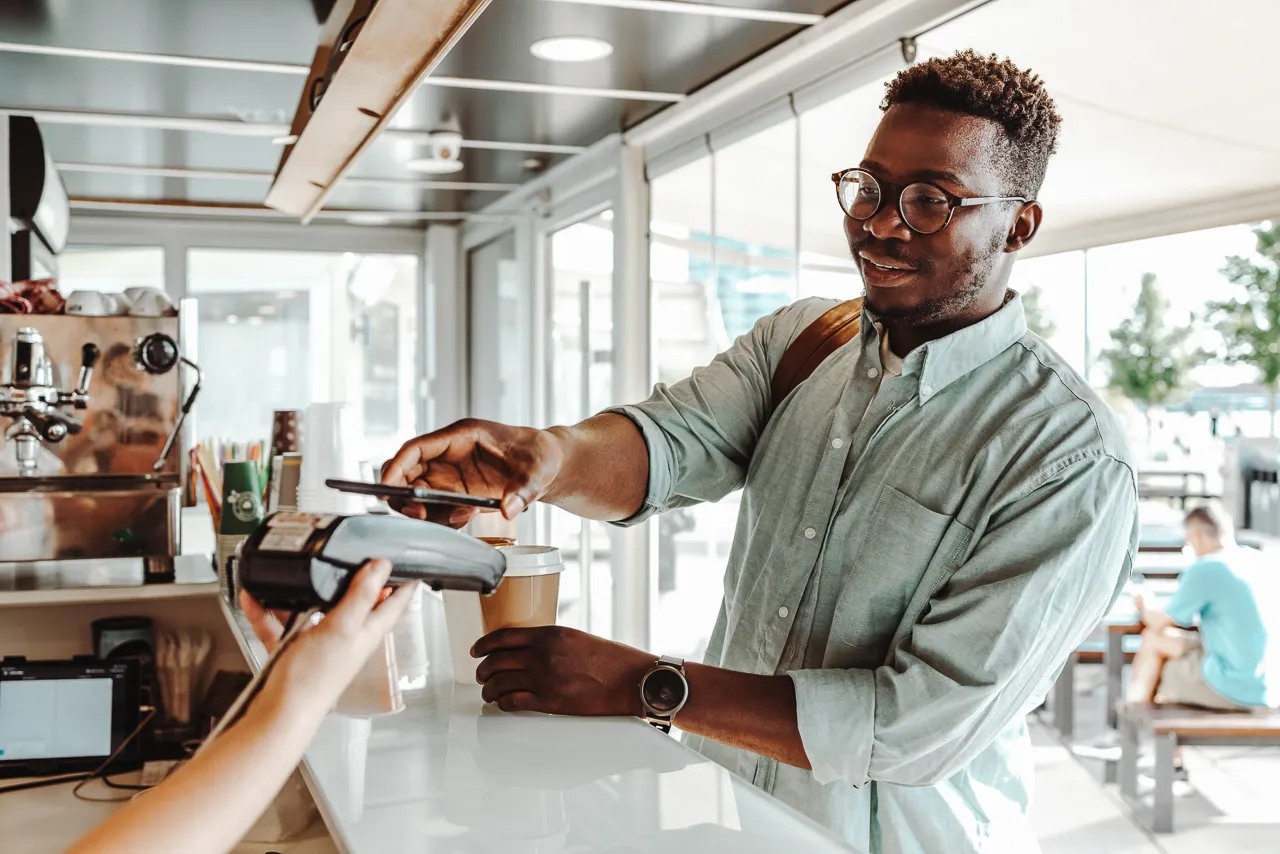


Faster checkout
Pay quickly in stores, online, and in apps with the device you already use.

Contactless payment
At stores with contactless readers, all you need to do is hold your phone near it!

Safer spending
A digital wallet protects your payment information from prying eyes and card skimmers.

How to set up your digital wallet
Learn how to add your LMCU cards to your digital wallet.

Choose your wallet
Choose from Apple Pay, Google Pay, or Samsung Wallet, depending on which device you use most.

Add your card
Follow the prompts in your digital wallet to add your LMCU card and verify it if needed.

Tap and pay
Enjoy simpler, more secure payment in stores, online, and eligible apps.
Digital wallet FAQs
Learn more about how digital wallets work, how to add your LMCU card, where you can use it, and what makes it secure.
A digital wallet lets you use your credit or debit card virtually by storing your payment information within your compatible phone, smartwatch, or device, so you can make purchases without using your physical card.
Once your LMCU card is added to your digital wallet, you can use your device to pay in stores, online, and in apps where digital wallet payments are accepted.
LMCU cards can be added to Apple Pay, Google Pay, and Samsung Wallet on compatible devices. The best wallet for you depends on the brand of phone, watch, or device you already have.
Every digital wallet app is a little different, so open Apple Pay, Google Pay, or Samsung Wallet on your compatible device and follow the prompts to add your eligible LMCU card.
You may be asked to verify your card during setup before you can start using it.
You can use your digital wallet at participating stores that accept contactless payments, and in apps or online where Apple Pay, Google Pay, or Samsung Wallet are available at checkout.
Digital wallets add security features that help protect your payment information.
Your actual card number is not shared with the merchant, and purchases are typically confirmed with your device’s passcode, fingerprint, or facial recognition. This keeps your information safer from scammers, card skimmers, and other bad actors.
If you have trouble adding your card or have questions about digital wallet, we’d be happy to help. Visit our Help Center for support or head to a branch near you for some hands-on help.
Manage your LMCU account like a pro.
Explore more tools and services we offer to help you manage your cards, pay on the go, and bank better.


