

See your budget, updated as you spend.
Budget Tracker keeps a running tally of what's used and what's left, so you're never guessing.
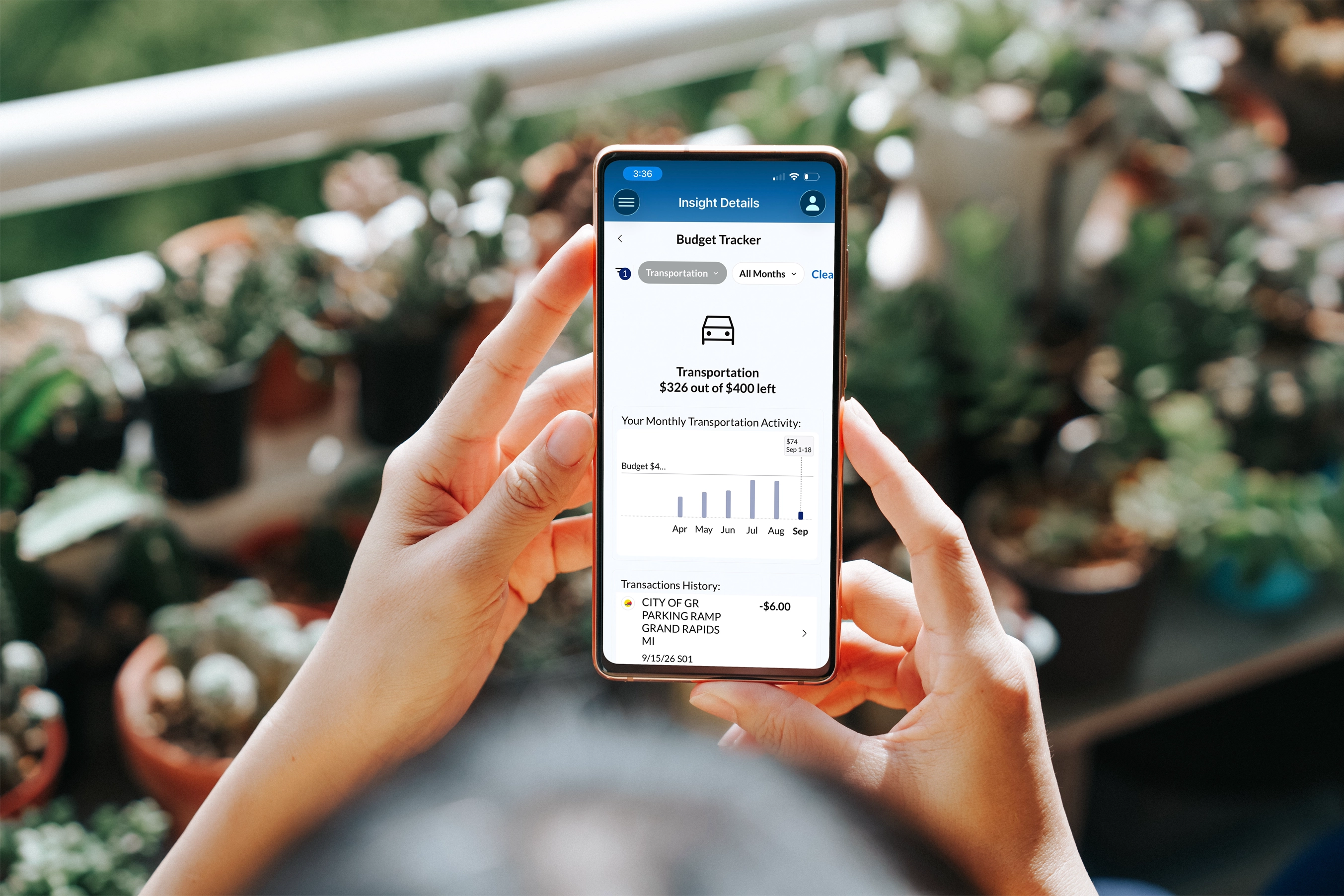

Built into the digital banking you already use, so budgeting works without extra effort.
Budget Tracker is one of several tools in Wallet Wisdom Insights, built right into your LMCU online and mobile banking. Nothing new to download. Set budgets by category that work best for you.

Used and remaining
Watch each budget's used and remaining amounts update as the month goes on.
Month over month
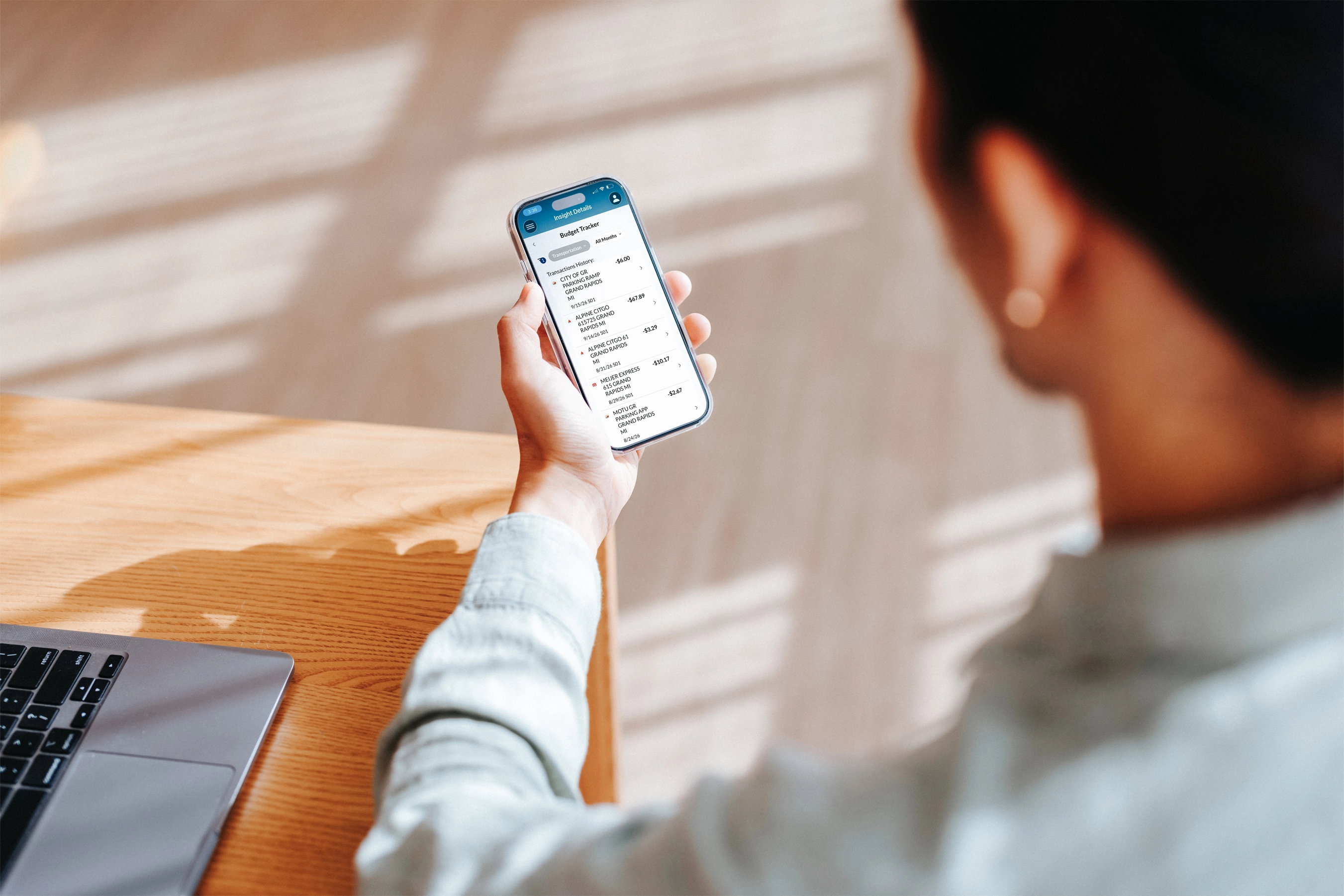
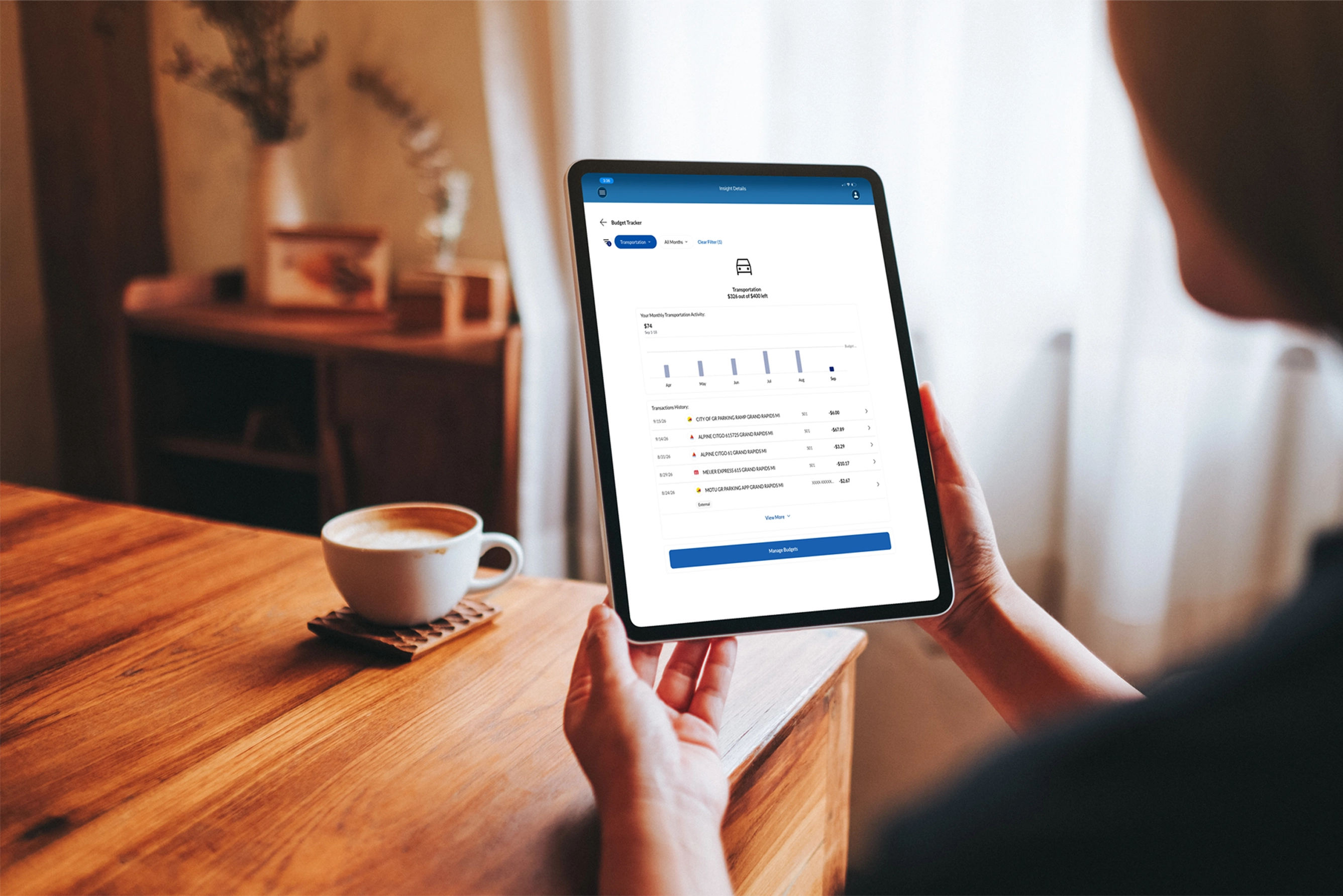
Compare money spent by month and mother over month against what your budgeted for in that category.

Spending by category
See every transaction sorted by category, for this month and last, or up to six months.

Haven't started a budget?
Budgeting is available under the trackers section of Wallet Wisdom Insights. Tracking begins as soon as you've set up your first budget for a category that matters to you, whether that's groceries, transportation, or dining, and it’ll appear in your tracker automatically. Haven't made one yet? Wallet Wisdom Insights will invite you to get started.

Log in
Sign in to online banking or open the LMCU mobile app on your phone or tablet.

Set up a budget
Head to the Budgets under Trackers and set a budget for whatever category matters most to you.

Open Budget Tracker
Under the Trackers section, see what you’ve used, what’s left and how this month’s stacks up again past months.
Budget Tracker isn't working alone — meet the rest of your trackers in Wallet Wisdom Insights.


Activity Tracker
See recent money in and money out across all your accounts, gathered in one place.


Goal Tracker
Watch progress toward your active savings goals as money moves in and out.


Subscription Tracker
Spot active subscriptions and see what it's really adding up to each month.


Look Ahead Tracker
See how upcoming checking activity could affect your balance.


Linked Accounts
Keep track of balances from outside accounts you’ve linked, right alongside your LMCU balances.

Budget Tracker FAQs
Learn more about how to get started and link external accounts, as well as how to make the most of our budgeting features, personalized insights, security, and support.
Budgeting is available under the trackers section of Wallet Wisdom Insights. Tracking begins as soon as you've set up your first budget for a category that matters to you, whether that's groceries, transportation, or dining, and it’ll appear in your tracker automatically. Haven't made one yet? Wallet Wisdom Insights will invite you to get started.
No. Budget Tracker tracks spending by category for awareness; it does not restrict spending or move funds. You stay in control of every transaction and transfer.
The tracker updates as spending happens throughout the month, so the percentage used and the amount remaining reflect your recent activity. All of your active budgets appear automatically — there is nothing to refresh.
Linked account balances and transactions are updated according to a schedule set by the financial institution you have linked. There could be spending in that category from a linked account that is not immediately reflected.
Open a budget to see an interactive graph that compares this month’s spending with the same period in past months, plus a transaction list showing categorized spending for the current and previous months.
Yes. When viewing that individual transaction within the Budget Tracker, use the pencil icon to edit the description to a category for which you have set up another budget.

Ready to get started?
Sign up for Online Banking
or

Scan with your phone's camera to download the LMCU app.
